Examples
See the format
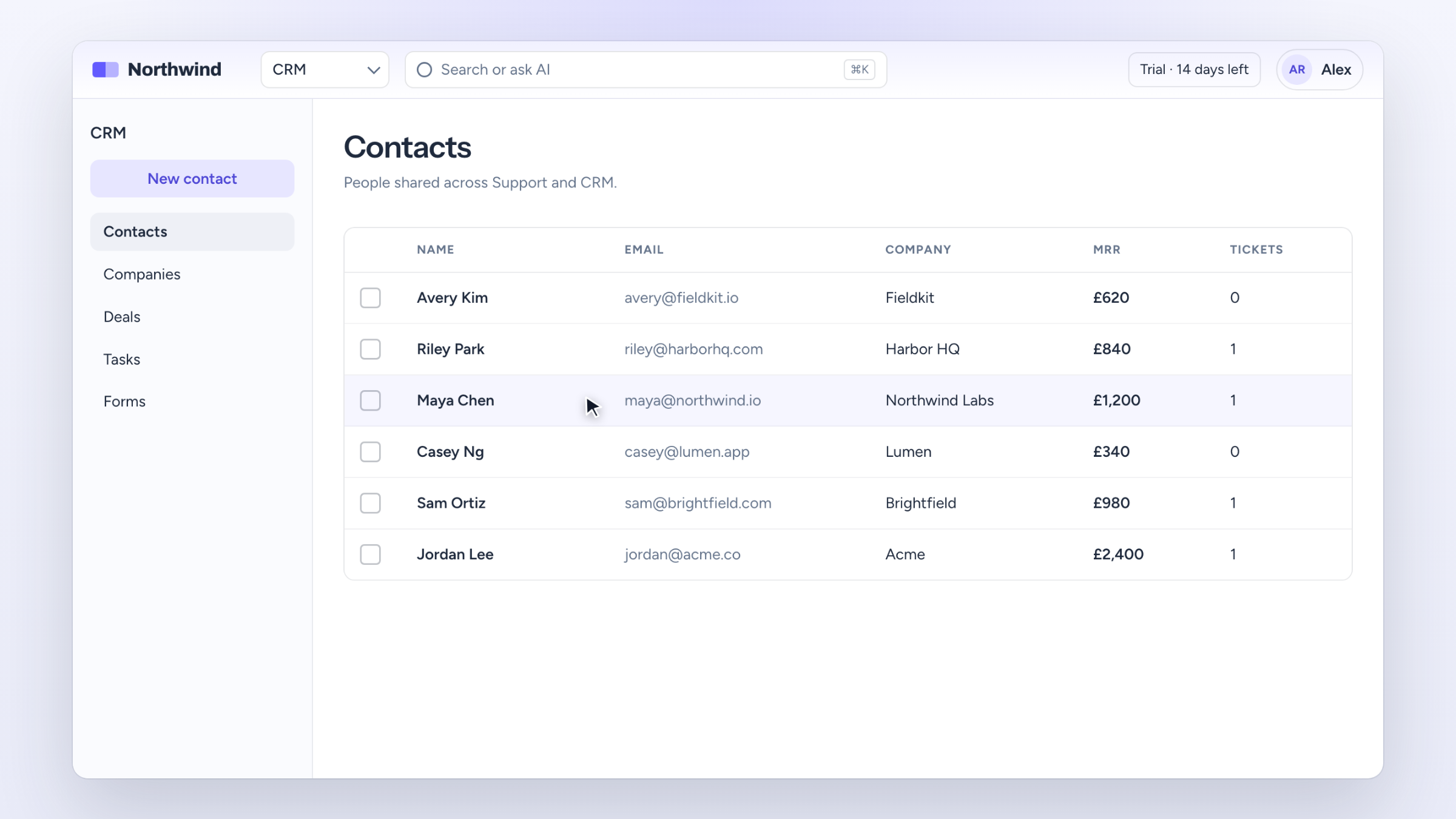
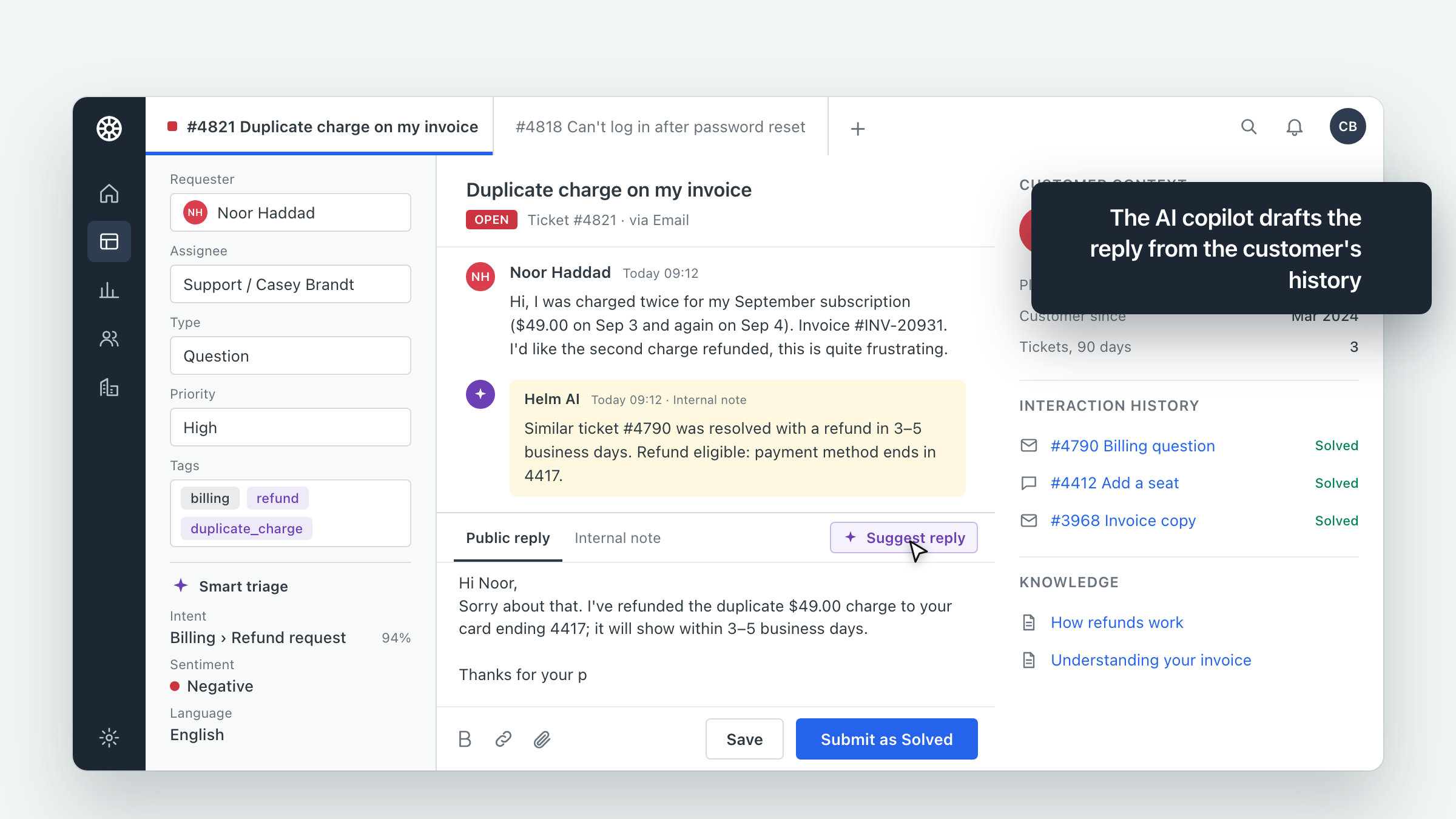
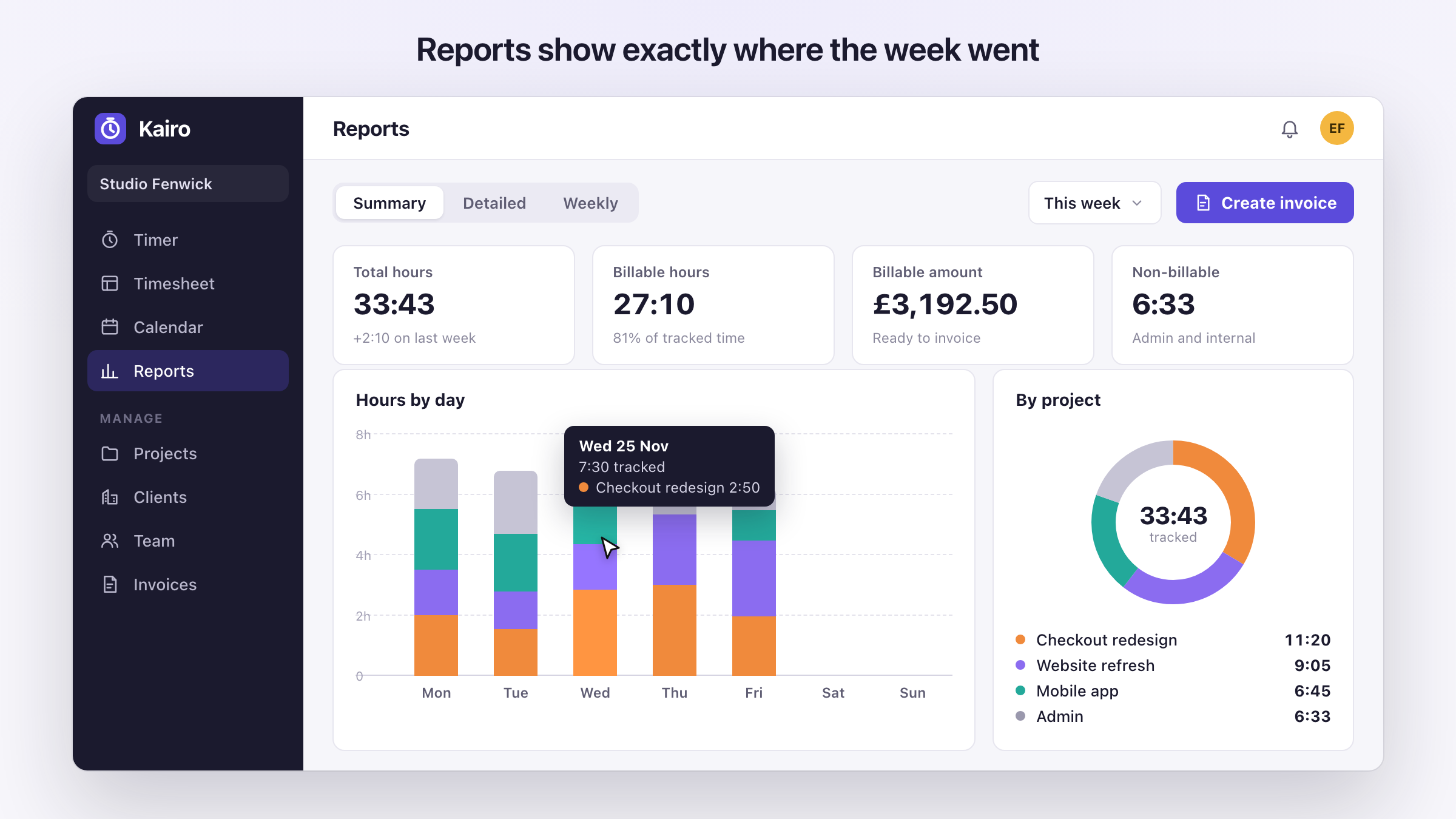
A few example animations to watch before you build.
Use our builder to create an animated demo of your software or app, then embed it on your website. It works for SaaS products, web apps and phone apps, with no screen recording.
Monthly build usage and hosting from £19/month. Publish when you’re ready.
An example animation for Pipewise, a CRM. Your generated draft will depend on the screens and brief you provide.
Go from a public website to a draft in your workspace. You choose what to show and when to make it live.
Paste a public website URL and describe what the demo should show. Pick the screens you want to use from the images we find.
Use your included monthly usage to generate an animated draft. Preview it in your workspace and regenerate with a different selection of screens if needed.
When you’re happy with the draft, publish it and copy the iframe into your website. Manage your live demos from your dashboard.
Build an animated walkthrough from your website, then manage it alongside your other demos in one workspace.
A few example animations to watch before you build.
We swapped our product video for a UserDemos walkthrough in an afternoon. It looks like part of our website, it loads instantly, and when we ship something new we just regenerate it. Visitors understand what CrowdStack does before they even sign up.
 Founder, CrowdStack
We wanted people to get mind-map.co in seconds, without signing up for anything. The UserDemos walkthrough goes from a blank page to a finished map, and it was live in our product the same day.
Monthly build usage and hosting in one plan. Usage packs from £10 if you want to try without a subscription.
£19 per month after
For your first product walkthroughs.
More room to build, refine and publish.
UserDemos is a builder for software companies. Enter your public website URL, describe what the demo should show and choose your screens. AI generates an animated draft for you to review. When you’re happy with it, publish it and paste the embed code into your website. We host the demo for you.
A product demo is a short walkthrough that shows your software being used. Viewers watch the real screens and the steps of a task, so they can see what your product does without signing up or booking a call. Demos made with UserDemos are animated in the browser, not recorded as a video.
Feature lists and screenshots leave people guessing how your product works. A demo shows them, right where they are already deciding whether to try it. You can use the same demo on your homepage, feature pages, launch posts and help centre.
Start with your website and the story you want to tell. Choose your screens, generate a draft and publish when you’re ready.
Build a demo